
Last updated: November 13, 2026
On this page: What's inside | FAQ | More free resources
How do you increase enrollment at a childcare center? Set enrollment goals based on your licensed capacity and staffing, make your program easy to find and trust online and in your community, build strong relationships with current and prospective families, and move your enrollment forms and waitlists online so every family has a clear path from application to first day. This free eBook walks through each step.
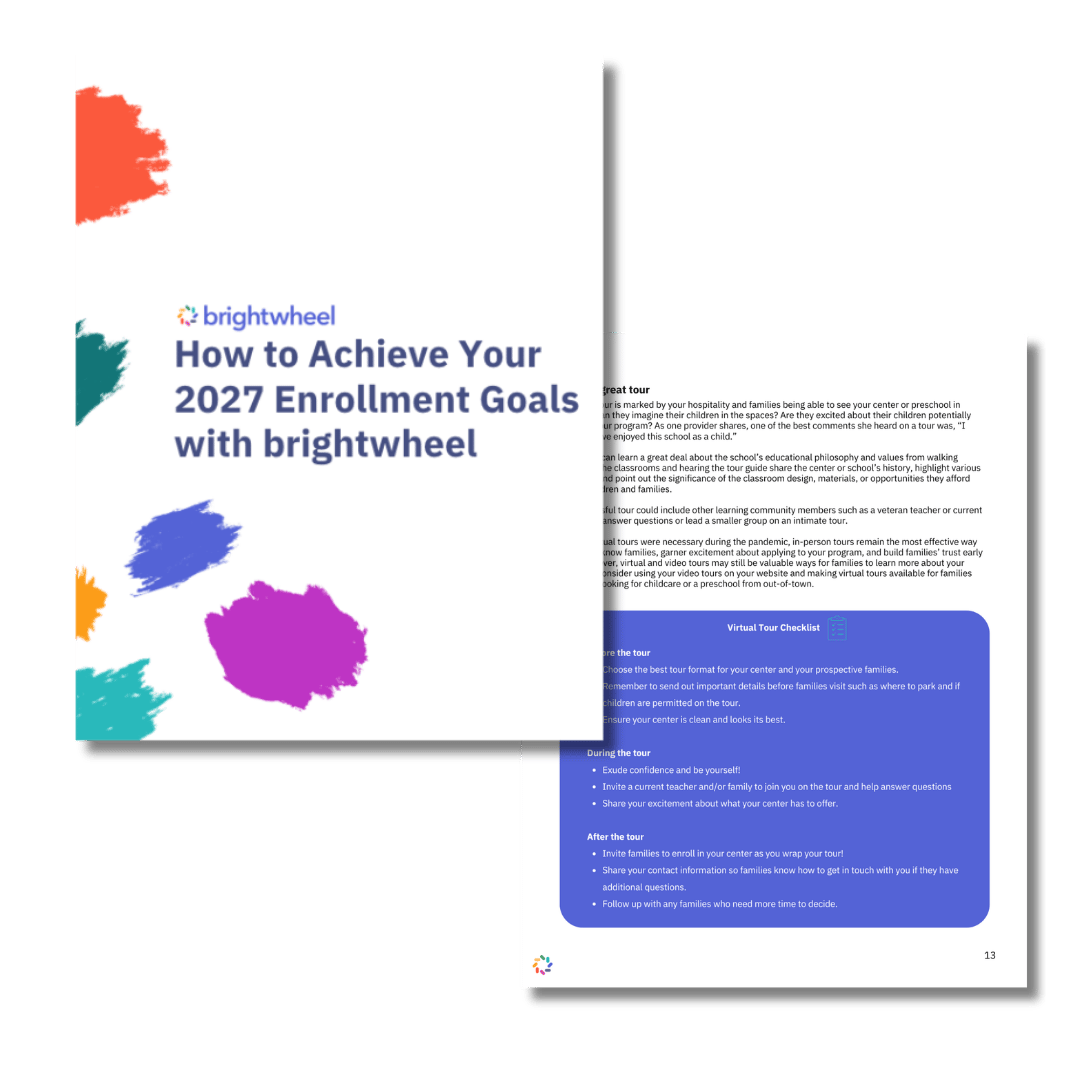
This guide from brightwheel covers four areas of childcare enrollment:
Set enrollment goals that account for your licensed capacity, the ages of the children you serve, staff availability, and program structure. Break them into specific targets with a time frame and a referral source, then identify what sets your program apart before you promote it.
Follow a 6-step plan to review and update your website and social media pages, check your Yelp, Google, Facebook, and Child Care Resource & Referral (CCR&R) listings, and ask families for reviews. Get started with Facebook ads in six steps, and find community partners such as libraries, real estate agents, and pediatricians' offices.
Reassure families about health and safety, daily activities, and open communication. Use the tour checklist for before, during, and after a visit, and learn how to ask current families for referrals.
Make it easy for families to apply, follow up after every application, and move your enrollment forms and waitlists online. See how brightwheel's online enrollment forms, enrollment contracts, enrollment waitlists, and enrollment dashboard support each step.
A childcare center can increase enrollment by setting specific goals based on its licensed capacity and staffing, making its program easy to find and trust online and in the community, building relationships with current and prospective families, and managing each family through a clear enrollment pipeline with online forms and waitlists.
Start with your licensed capacity and staffing ratios, the ages of the children you serve, your staff availability, and your program structure, such as full-day or part-time. Then break your overall goal into smaller targets with a time frame and a specific source, such as gaining 3 more positive online reviews in the next 2 months.
Review your website and social media pages from the perspective of a parent, keep program details and application instructions up to date, add an FAQ page, check your listings on Yelp, Google, Facebook, and your Child Care Resource & Referral agency, and ask happy families for reviews.
Reassure families about health and safety, day-to-day activities, and open communication. Respond to inquiries with empathy, share key policies from your parent handbook, communicate openly about tuition, and host a welcoming tour.
An enrollment pipeline is the path a family follows from first inquiry to first day, including applications, waitlists, and enrollment. Moving forms and waitlists online gives directors a clearer view of how many children are in the pipeline and the status of each family.
Brightwheel helps childcare programs manage enrollment in one place. Families can apply online, complete custom forms and enrollment contracts with digital signatures, and upload documents such as immunization records. Directors can track each family in an admissions dashboard, rank and message waitlisted families, and enroll incoming children without paper forms.
This eBook is for childcare and preschool directors and owners who want a practical plan to set enrollment goals, attract families, build trust, and manage their enrollment pipeline.
Yes. The eBook is free to download when you complete the form on this page.
Want the quick version first? Read our guide to 7 ways to increase enrollment in your childcare program. After downloading the eBook, these resources can help you run your childcare business:
Brightwheel is childcare management software that connects the most critical parts of running a childcare program, including enrollment, billing, attendance, and family communication, in one easy-to-use tool. Request a demo to see how it works.